
5 Ways to Use Live Quizzes in the Classroom
Live quizzes boost participation, surface misconceptions, and make review fun. Here are five practical formats teachers use with OrbPops—and when each one works best.

Live quizzes are one of the simplest ways to turn a passive lesson into an active one. With a phone and a join code, every student can participate—and you get instant data on what the room understands.
Here are five proven ways teachers use live quizzes with OrbPops.
1. Warm-up at the start of class
Open with three to five quick questions on yesterday's topic. It primes memory, sets expectations, and takes less than five minutes.
Use Classic mode with no timer pressure at first. Review each answer briefly before moving on.

2. Exit ticket before dismissal
End with a short Pop—"What was today's key idea?" or three factual checks. You leave knowing who needs follow-up tomorrow.
Text-answer questions work well here when you want students to phrase concepts in their own words.
3. Unit review before a test
Build a 15–20 question Pop covering the full unit. Run it over two sessions if needed, or use review pauses to discuss the hardest items.
OrbPops shuffles choice order per player, which reduces answer copying while keeping the session fair.
4. Team energy with Rocket Race or Treasure Hunt
When the group needs momentum, switch modes:
- Rocket Race — progress feels like a race; great for competitive classes.
- Treasure Hunt — rewards accuracy with exploration; softer tone, still engaging.
Same Pop, different emotion. Pick the mode that matches your classroom culture.
5. Extend learning with homework links
After a live session, assign the same Pop as homework with a deadline. Students who missed class can catch up; everyone gets another repetition cycle.
Async links complement live quizzes—they do not replace the energy of playing together.
Why OrbPops for live quizzes?
Unlike slide-only review, live quizzes give you:
- Real-time participation counts
- Per-question review with the room
- Original game modes beyond a basic leaderboard
- Free hosting for educators getting started
Compare plans on the pricing page if you need unlimited Pops or AI-assisted creation.
Start this week
Pick one class and one Pop. Run a five-question warm-up on Monday. Adjust, repeat, and expand.
Create a free account and host your first live quiz in minutes.
Related articles
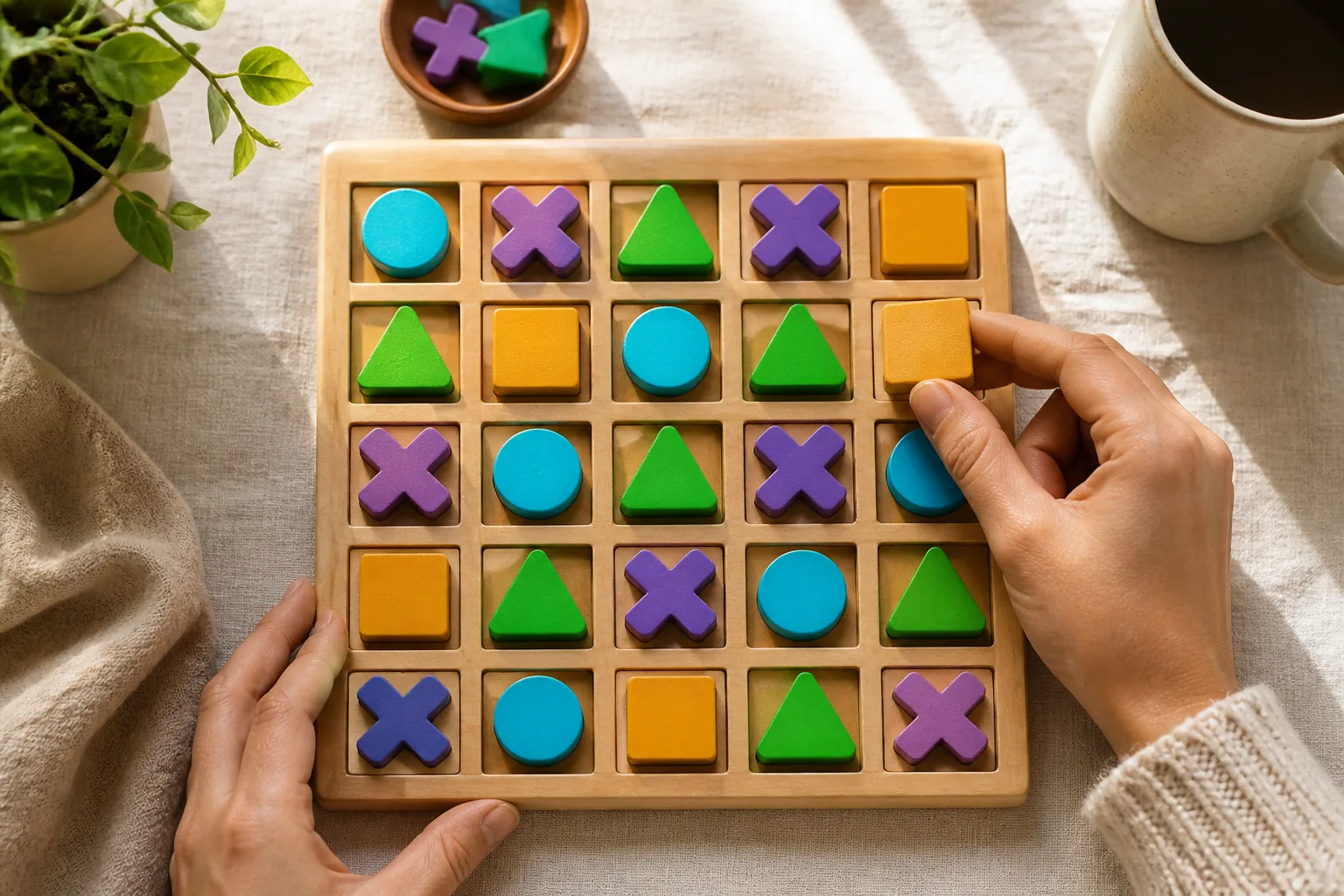
OrbGrid in Class: A Puzzle Mode That Rewards Careful Thinking
OrbGrid turns correct answers into placements on a shared board. Learn when to use it, how scoring lines work, and how to coach students who freeze on big grids.
Read article →
How to Write Quiz Questions That Spark Real Thinking
Fast quizzes fail when every item is a memory trap. Use these patterns to write OrbPops questions that reward reasoning—then pair them with the right game mode.
Read article →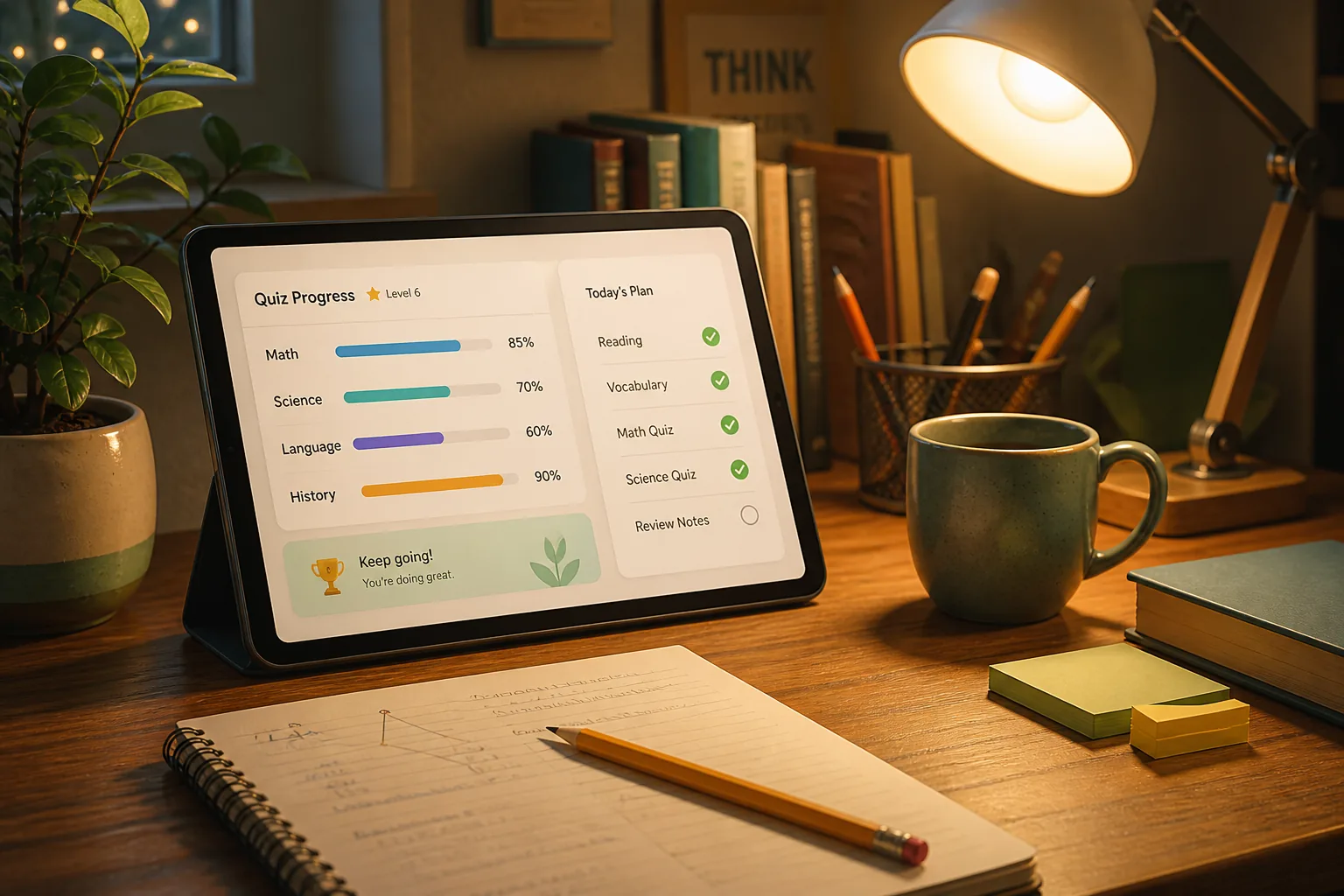
How to Assign OrbPops Homework Students Actually Finish
Skip the worksheet stack. Turn any Pop into a shareable homework link with a clear goal, deadline, and live progress you can review without chasing screenshots.
Read article →