
How to Assign OrbPops Homework Students Actually Finish
Skip the worksheet stack. Turn any Pop into a shareable homework link with a clear goal, deadline, and live progress you can review without chasing screenshots.
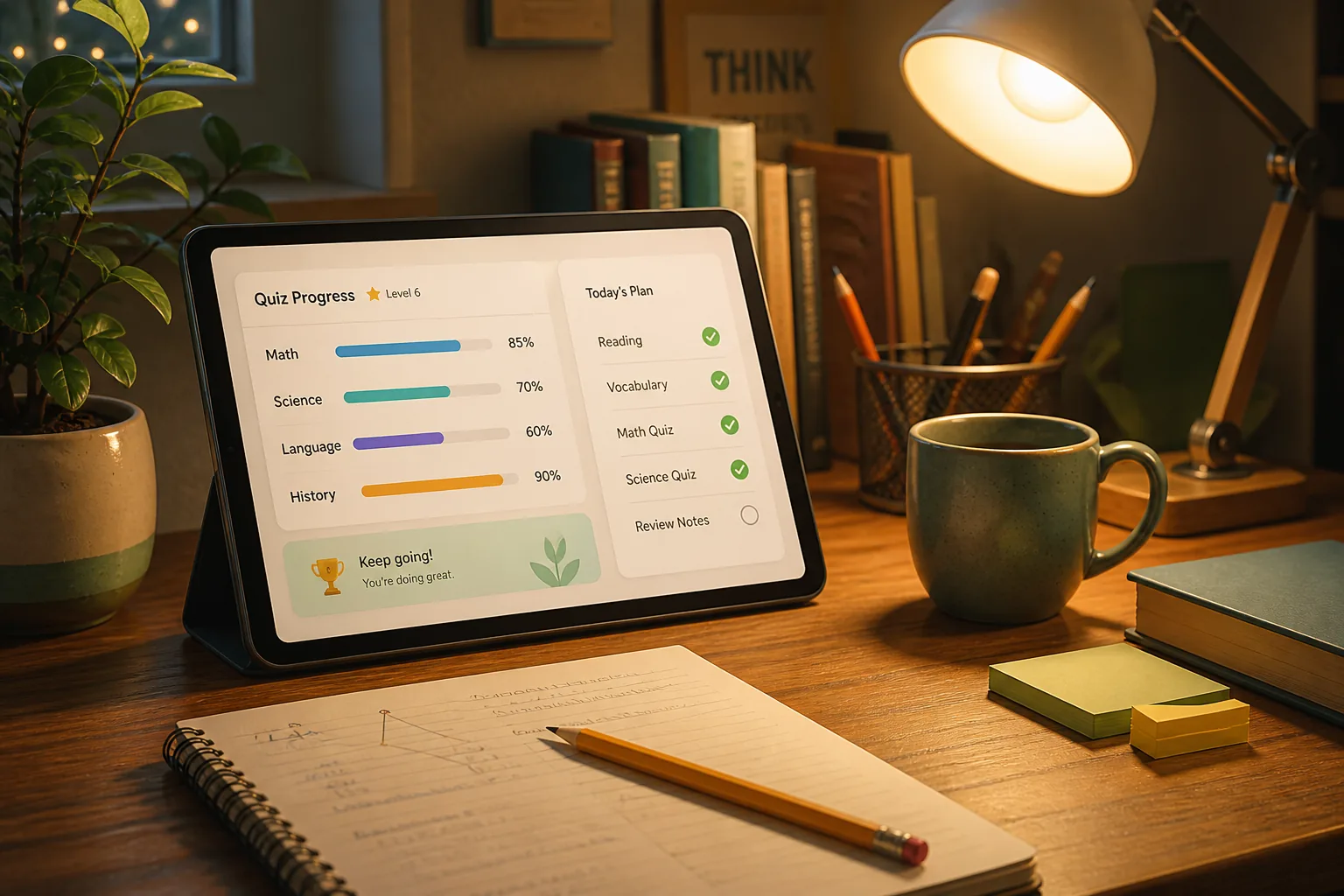
Live games are electric. Homework is where learning sticks—or quietly disappears into a folder named “misc.”
OrbPops homework is built for the second problem: one shareable link, a clear finish line, and a progress board you can open after dinner.
Why homework works better as a game
Worksheets ask for compliance. A timed dig or a city to build asks for another try. When students play Treasure Hunt or OrbCity at their own pace, they still answer real questions—just with a reason to keep going after the first miss.
That matters for:
- Flipped classrooms that need proof of prep
- After-school catch-up without another live session
- Families who want practice that does not feel like a PDF
What you can assign today
From your dashboard, open Homework and create an assignment from an existing Pop. Choose:
- Game mode — Treasure Hunt or OrbCity
- Correct-answer goal — how many right answers complete the assignment
- Deadline — when the link stops accepting new finishes
- Optional title — so students see “Week 3 Rivers” instead of only the Pop name
Then copy the share link. No student accounts. No app install. A browser is enough.
How students experience it
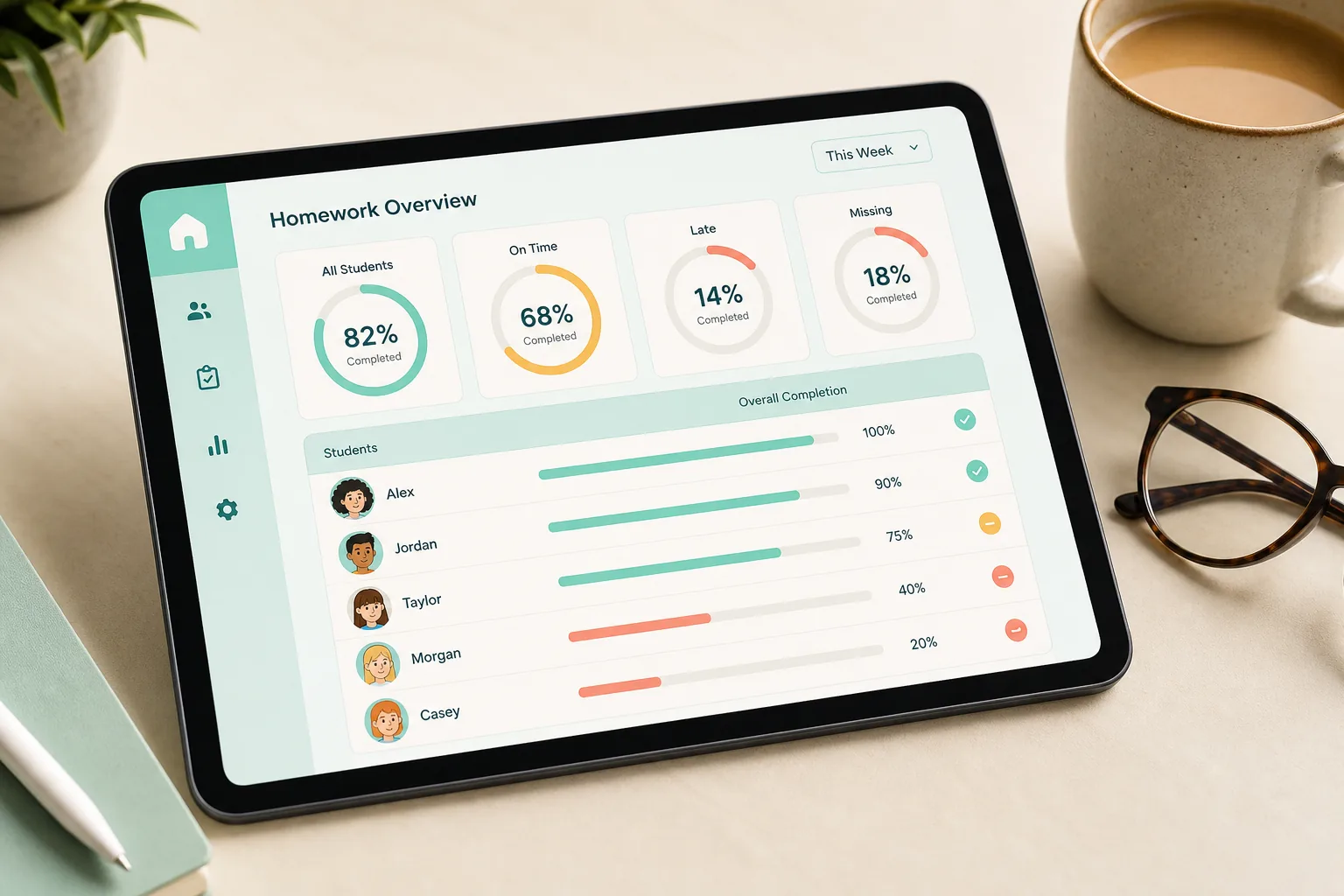
Students open the link, pick a nickname (and a miner or mayor skin), and play until they hit the goal—or until the deadline passes. When they finish, you see completion status, accuracy, and score on the assignment detail page.
Tip: keep the goal slightly below the Pop’s total question count so late-night attempts still feel winnable.
Host tips that raise completion rates
- Send the link once in the LMS, then pin a reminder the day before the deadline
- Preview the Pop yourself in the same mode you assign—skins and pacing feel different from Classic
- Review one wrong answer together in the next live class; homework data becomes lesson fuel
- Short Pops beat long ones for first-time homework players
Homework vs live sessions
| | Live game | Homework | | --- | --- | --- | | Pace | Host controls the room | Student goes at their speed | | Best for | Energy, rivalry, shared review | Practice, prep, make-up work | | Modes | Classic, Rocket Race, Treasure Hunt, OrbCity, OrbGrid | Treasure Hunt, OrbCity |
Use both. Open with a live Rocket Race on Monday; assign OrbCity homework by Friday.
Try it this week
Pick a Pop you already trust, set a modest correct-answer goal, and share the homework link with one class. Open the progress board the night of the deadline—you will know who finished without collecting photos of completed packets.
Sign up free to create your first assignment, or read how students join from their phones when you host live instead.
Related articles
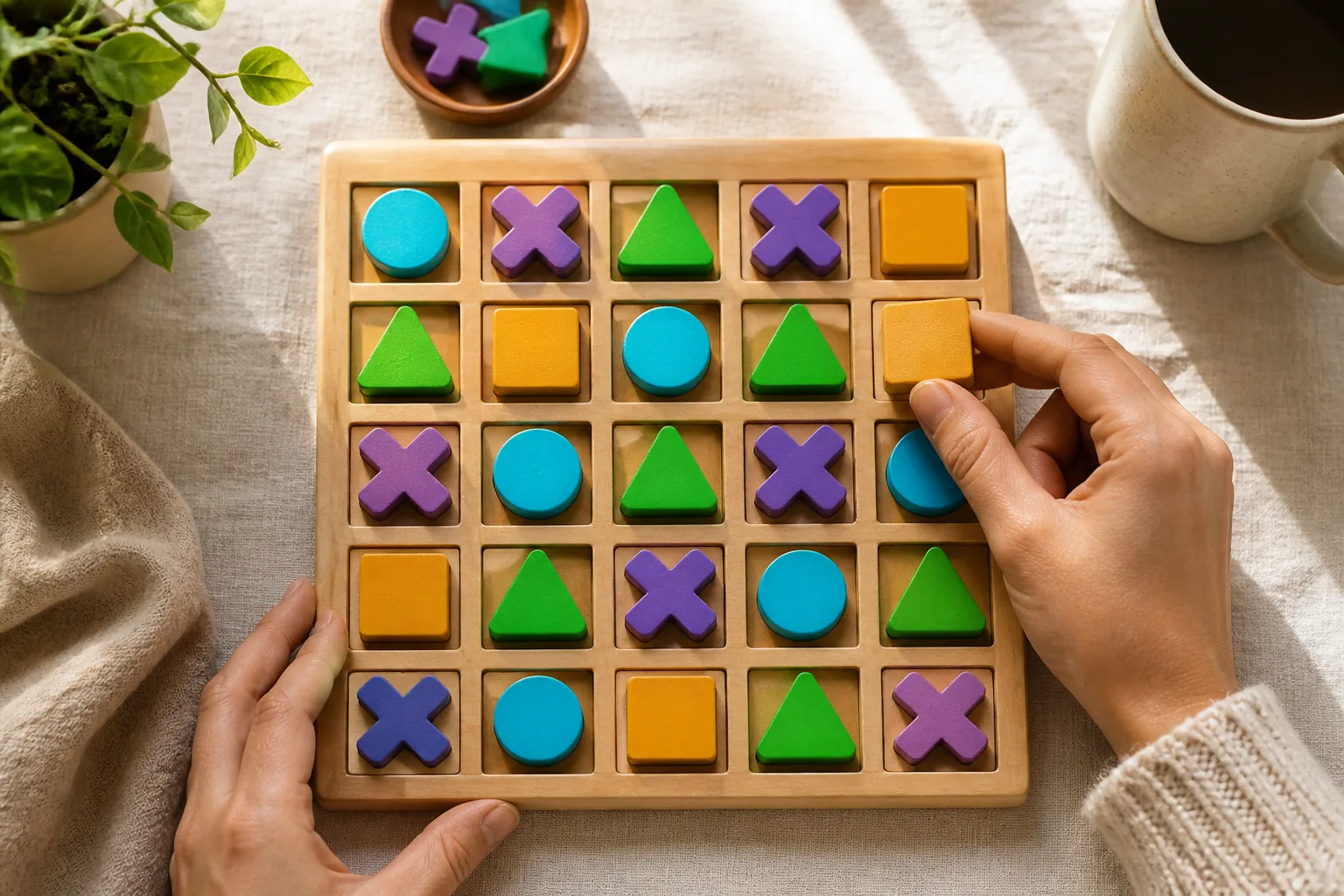
OrbGrid in Class: A Puzzle Mode That Rewards Careful Thinking
OrbGrid turns correct answers into placements on a shared board. Learn when to use it, how scoring lines work, and how to coach students who freeze on big grids.
Read article →
How to Write Quiz Questions That Spark Real Thinking
Fast quizzes fail when every item is a memory trap. Use these patterns to write OrbPops questions that reward reasoning—then pair them with the right game mode.
Read article →
How Students Join OrbPops Games From Their Phones
No app install required. Learn how players join live OrbPops sessions on mobile, what to show on the host screen, and how to keep phones landscape-ready for Rocket Race, Treasure Hunt, and Orb City.
Read article →