
How to Create Your First Pop in 5 Minutes
A Pop is your question bank on OrbPops. This step-by-step guide shows how to build one, add questions with images, and get it ready to host a live game.

If you are new to OrbPops, the fastest win is simple: create one Pop and host a short live game. A Pop is your reusable question bank—the content you play across any game mode.
This guide walks you through your first Pop in about five minutes.
Step 1: Sign up and open the Pop editor
Create a free account at OrbPops, then go to Pops → Create Pop. Give your Pop a clear title learners will recognize, like "Unit 3 — Photosynthesis Review" or "Onboarding Quiz — Week 1".
A specific title helps you find the Pop later and improves clarity when you share a join code.

Step 2: Add 5–10 strong questions
Start small. Five well-written questions beat twenty rushed ones.
For each question you can choose:
- Multiple choice — great for quick checks and large groups.
- Text answer — ideal for short open responses; OrbPops accepts defined correct answers.
Add an optional image when visuals help memory: maps, diagrams, product screenshots, or vocabulary cues. You can upload a file or import from Unsplash inside the editor.
Tip: Write distractors (wrong answers) that reflect common misconceptions. Review becomes more useful for teaching.
Step 3: Save and publish
Save as Draft while you iterate, then switch to Published when you are ready to host. Published Pops appear in your library and can be used in live sessions, homework links, and practice assignments.
Free accounts can store up to 10 Pops—enough to run multiple classes or topics before upgrading.
Step 4: Host your first session
From the dashboard, choose Host a game, pick your Pop, select a mode (Classic is perfect for your first run), and share the join code on screen.
Players enter the code from their phones—no app install required. You control pacing, review answers with the room, and see who is engaged in real time.
What to do after your first game
- Duplicate the Pop and tweak questions for a harder version.
- Try Rocket Race or Treasure Hunt for a different energy.
- Assign homework or practice links for async review.
Your first Pop is the foundation. Once it exists, every future session gets faster.
Ready? Sign up free and build your first Pop today—or read how OrbPops works for the full picture.
Related articles
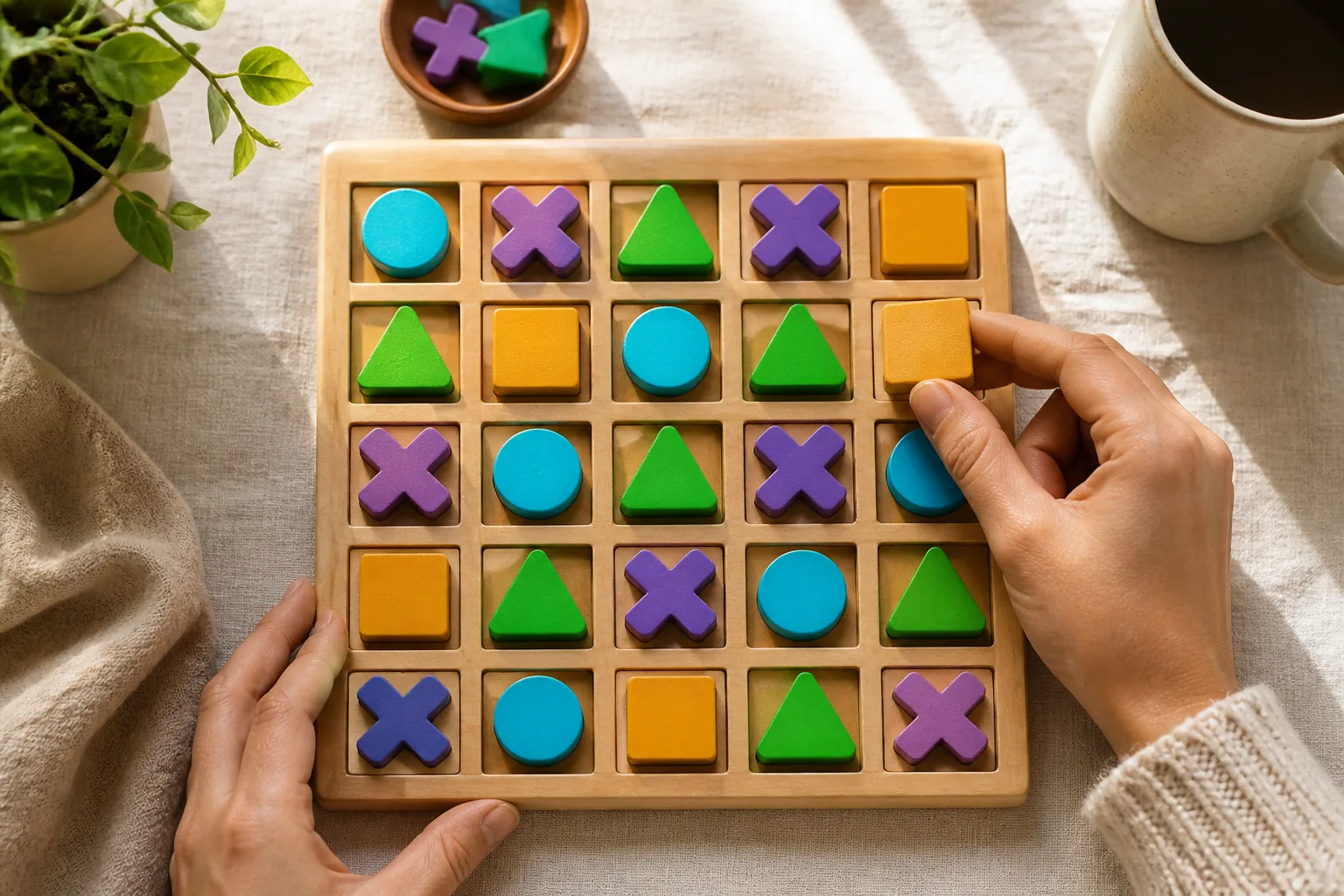
OrbGrid in Class: A Puzzle Mode That Rewards Careful Thinking
OrbGrid turns correct answers into placements on a shared board. Learn when to use it, how scoring lines work, and how to coach students who freeze on big grids.
Read article →
How to Write Quiz Questions That Spark Real Thinking
Fast quizzes fail when every item is a memory trap. Use these patterns to write OrbPops questions that reward reasoning—then pair them with the right game mode.
Read article →
How to Assign OrbPops Homework Students Actually Finish
Skip the worksheet stack. Turn any Pop into a shareable homework link with a clear goal, deadline, and live progress you can review without chasing screenshots.
Read article →